Birthday · disposable camera
A disposable camera for your birthday party, in every guest’s pocket
At every birthday party, everyone gets their phone out, and the next day nobody has anyone else’s photos. They sit in forty different camera rolls, a handful land in a group chat, most never see daylight. And you, the person being celebrated, end up with the fewest of all.
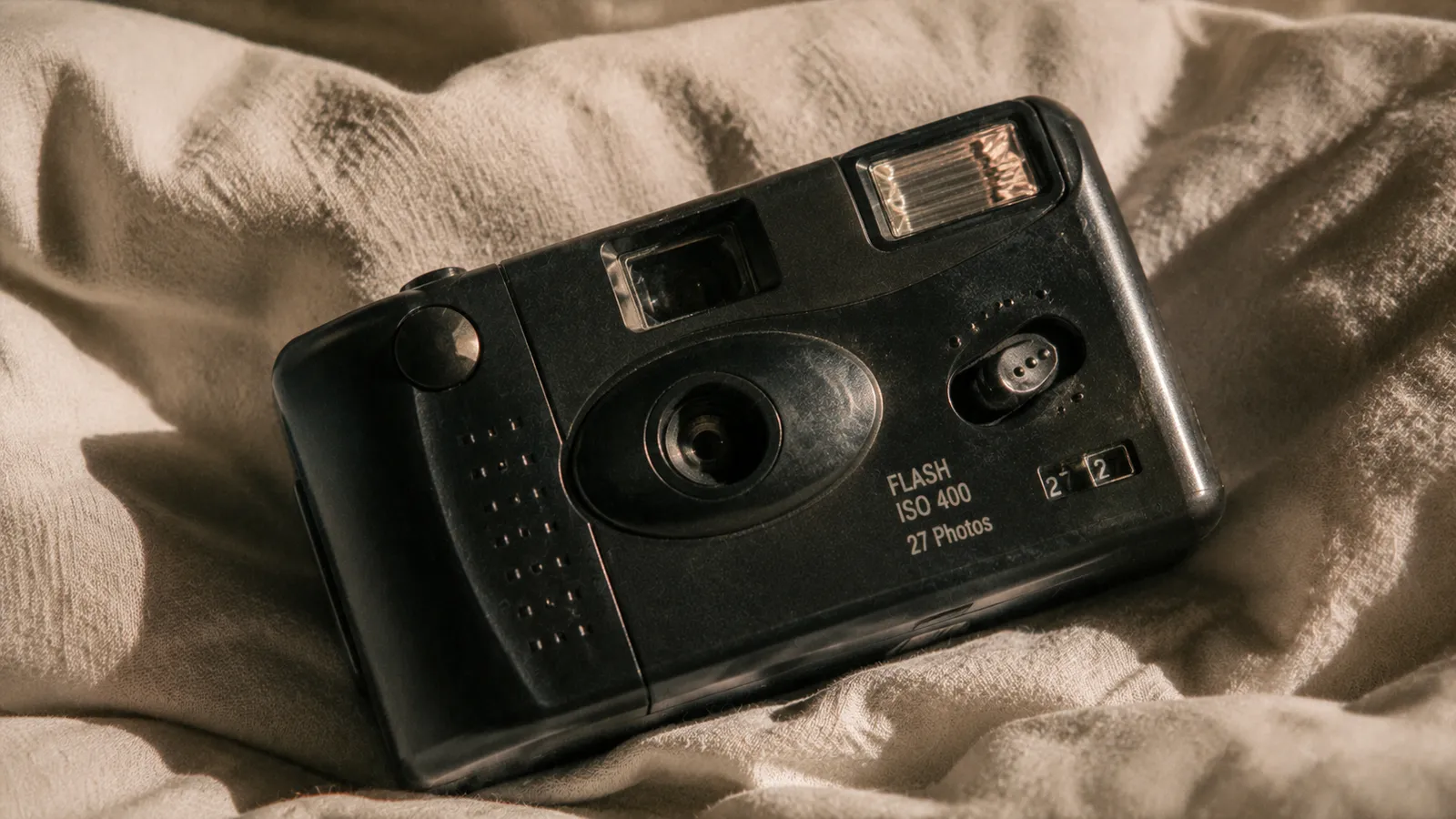
Time to Flash turns every guest’s phone into a shared disposable camera. A QR code on the table, one scan, and the camera opens in the browser, with no app and no account. Everyone gets a few shots, nobody sees anything during the party, and all the photos appear together at the time you pick.
Create my album (free)Free for up to 5 guests
- Nothing to install
- Free for up to 5 guests
- Photos revealed the next day
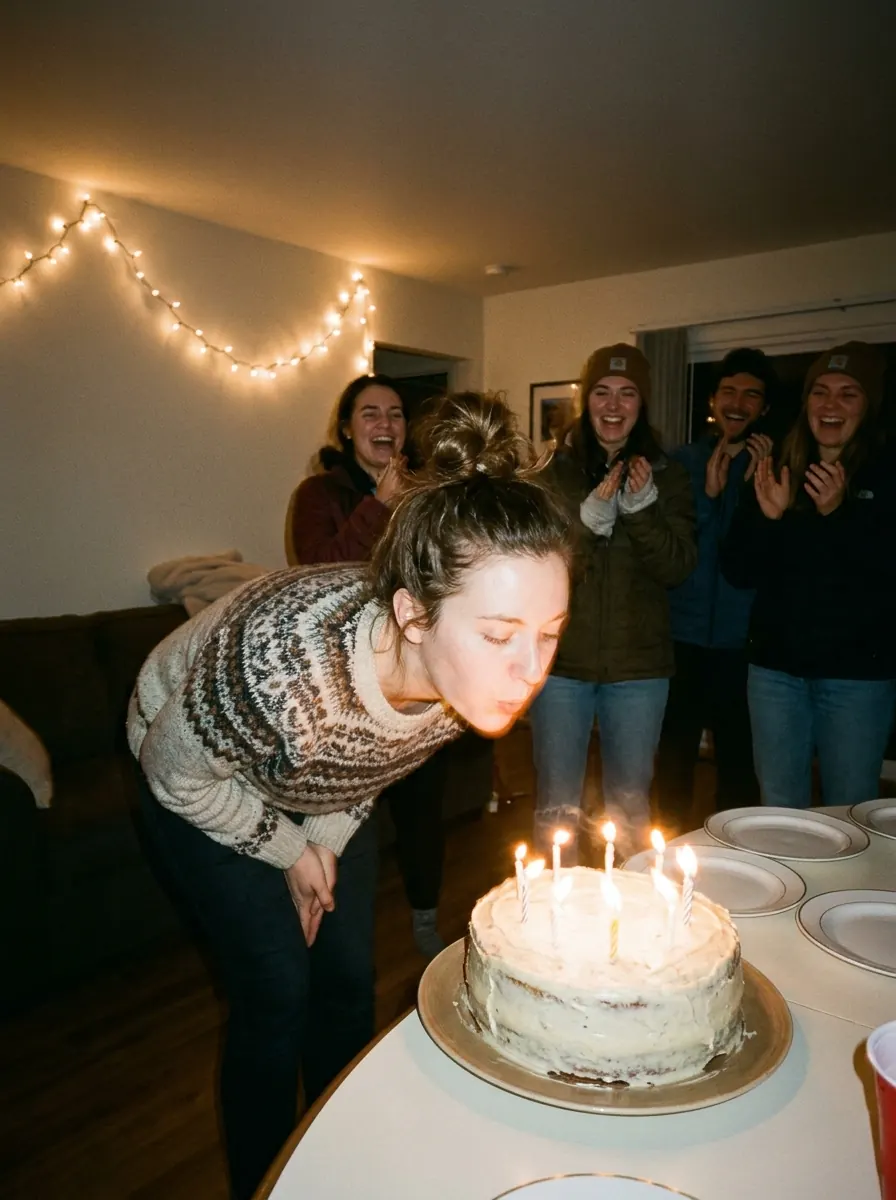
Why a shared disposable suits a birthday
A birthday is a night you want to remember without spending it behind a screen.
🎂
The birthday person finally gets the photos
Whoever’s birthday it is takes the fewest pictures all night. With one shared album, they get everything their guests saw, all at once.
🎞️
A game, not a chore
With only a few shots each, every photo matters, and people start choosing what deserves one. It gets everyone talking and laughing, and it becomes part of the entertainment.
🎁
A second present the next day
The party’s over, then every photo lands at once the following day. That’s when people relive the night, often with more feeling than in the moment.
How it works
Three steps, nothing to install
01
Put the poster by the cake or the bar
Create the event in two minutes and print the poster with its QR code. Put it where everyone goes: next to the drinks, on the buffet table, or by the door.
02
Everyone gets a set number of shots
You choose how many photos each guest gets, from 3 to 15. Photos go straight to the album and can’t be viewed: just like a real disposable, you aim and hope for the best.
03
The reveal at lunchtime the next day
Schedule the reveal for the next day, around noon, once everyone has slept. Guests get a link and discover the album at the same moment you do.
What you'll discover the next day
Photos taken by your guests, in the moment, that nobody had seen before the reveal.
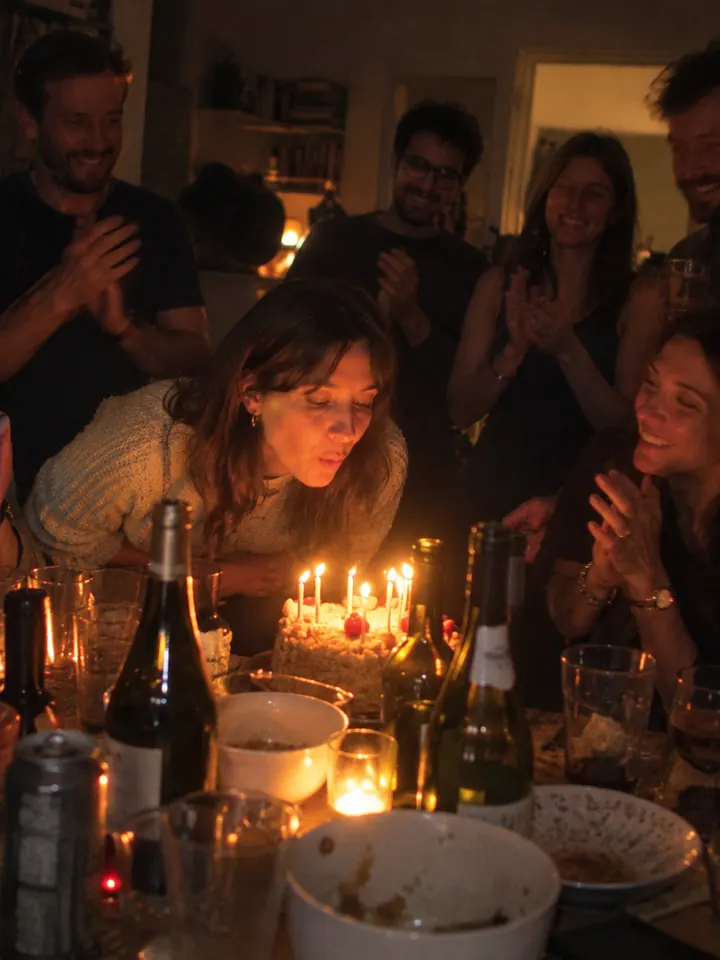

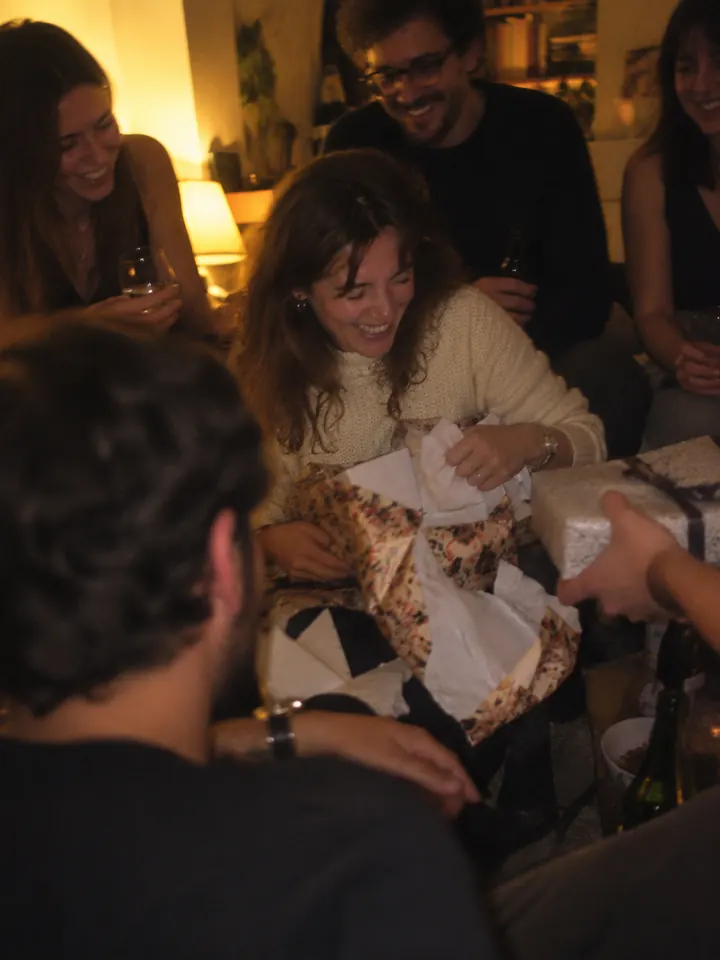
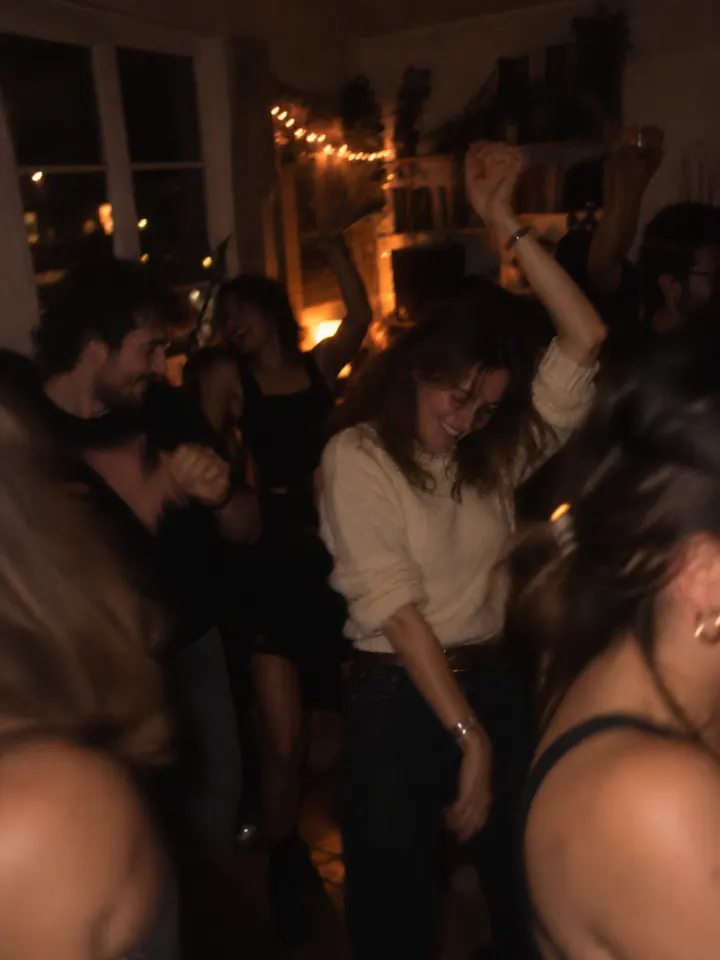
Photo ideas for a birthday party
A few simple ideas so the photos really tell the story of the party, whatever the age.
The “one photo with the birthday star” challenge
Set the rule early on: every guest saves one shot for a photo with the person being celebrated. By the end you have their portrait with each of the people who matter to them, which no photographer would have time to do. It is often the most moving set in the album.
The cake, from every angle
When the candles come out, ask everyone to photograph the cake from wherever they are standing. The next day you get the same moment from twenty viewpoints: the big blow, faces lit by candlelight, the cousin filming instead of singing.
A portrait wall at the door
Pin a coloured sheet or a plain cloth to a wall with some simple lighting, and ask each new arrival to be photographed by the guest before them. The portrait gets passed along. At the end of the album you have a gallery of everyone who came, in order of arrival.
Photo missions out of a hat
Write short missions on slips of paper: “the biggest laugh”, “two people who have never met”, “a detail of the decorations”, “someone dancing badly”. Each guest picks one on arrival. It gets different groups of friends mixing.
One film for an 18th, another for a 60th
The idea works at any age; you just adjust it. For an 18th, let the teenagers play with only a few shots, they will remember it. For a 60th, focus on family photos and the QR code being passed from one generation to the next.
A surprise party with no leaks
For a surprise party, create the album in advance and send the link to guests, asking them not to share it. The first shot of the night should be the birthday person’s face as they walk in. Warn everyone, so there are ten phones ready.
The disposable look with the date stamp
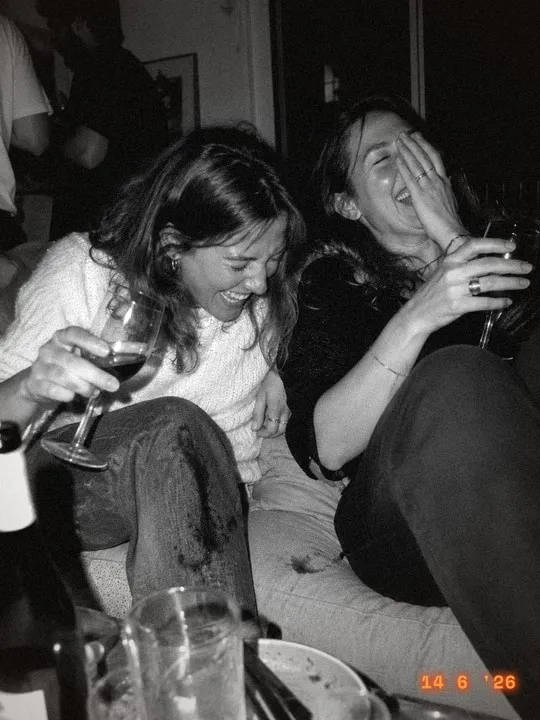
In the album, pick the “Disposable” film: warm colours, grain, and the date printed in the corner like old holiday snaps. For a birthday, that orange date in the corner instantly feels like a memory, and it stays in the downloaded photos.
Prints for the guest book
Instead of a guest book full of rushed three-word messages, print a selection of photos after the reveal and ask guests to write on the back next time you see them. Prints can be ordered straight from the album.
The film
Pick your film style
Five film looks, from the party Kodak to a hard black and white. Try one, and change your mind whenever you like.




Our tips for a great birthday album
How many shots to give? For a party of 20 to 30 guests, 8 to 10 photos each makes a full album without it dragging on: you end up with two or three hundred pictures. Above 40 guests, go down to 5 or 6 shots each, so the album stays easy to browse and everyone really picks their moments. If someone runs out before the cake, you can top up their film.
When to reveal? For an evening party, around noon the next day is ideal: everyone has slept, and the album arrives just as people start swapping stories about the night before. For a daytime birthday (a family lunch, an afternoon party), reveal the same evening around 9pm, once guests are home.
Which plan to choose? Most birthdays bring together 15 to 60 people. Up to 30 guests, the €4.99 plan is enough; up to 50, it is €14.99; and for a big party, the 100 plan costs €29.99. It is a one-off payment, with no subscription. You can also try it free with 5 people, no card needed, before you decide.
One price, paid once
Based on the number of guests. No subscription, nothing to cancel.
Want to try it first? Up to 5 guests, it is free.
Frequently asked questions
Do my guests need to download an app?
No. They scan the QR code with their phone’s camera and the Time to Flash camera opens in the browser. No app, no account, just a first name to type. There is an iPhone app for anyone who prefers it, but it is optional.
How much does a birthday disposable camera cost with Time to Flash?
It is free for up to 5 people. After that it is a one-off payment based on the number of guests: €1.99 for 10, €4.99 for 30, €14.99 for 50, €29.99 for 100. No subscription, and downloading the album is included.
Does it work for children and older guests?
Yes, it is designed for exactly that: one scan, one button to take a photo, nothing else to figure out. Grandparents may want a hand with the scan, then the camera is easy on its own. Children love the disposable idea, and the limited shots spare you a hundred photos of the dog.
What if a guest has no phone or no signal?
A guest without a phone can borrow someone else’s and take photos under their own name. If the signal drops, the photo is kept on the phone and sends itself as soon as the connection is back. In a venue with poor coverage, put the Wi-Fi password next to the QR code.
Can I use it for a surprise party?
Yes. Create the event in advance, send the link to guests without the birthday person seeing it, and put the poster out at the last minute. You can add a co-organiser to share the planning, and hide any photo that gives too much away before the reveal.
From the blog


For another occasion








🇪🇺 Hosted in Europe🔒 Private album, never public🗓️ Deleted after 6 months💳 Secure payment by Stripe
Get the photos from the whole party
Set up your birthday disposable camera in two minutes. Free for up to 5 guests.
Create my album (free)