Christening · photo idea
A christening party idea that leaves your child an album to keep
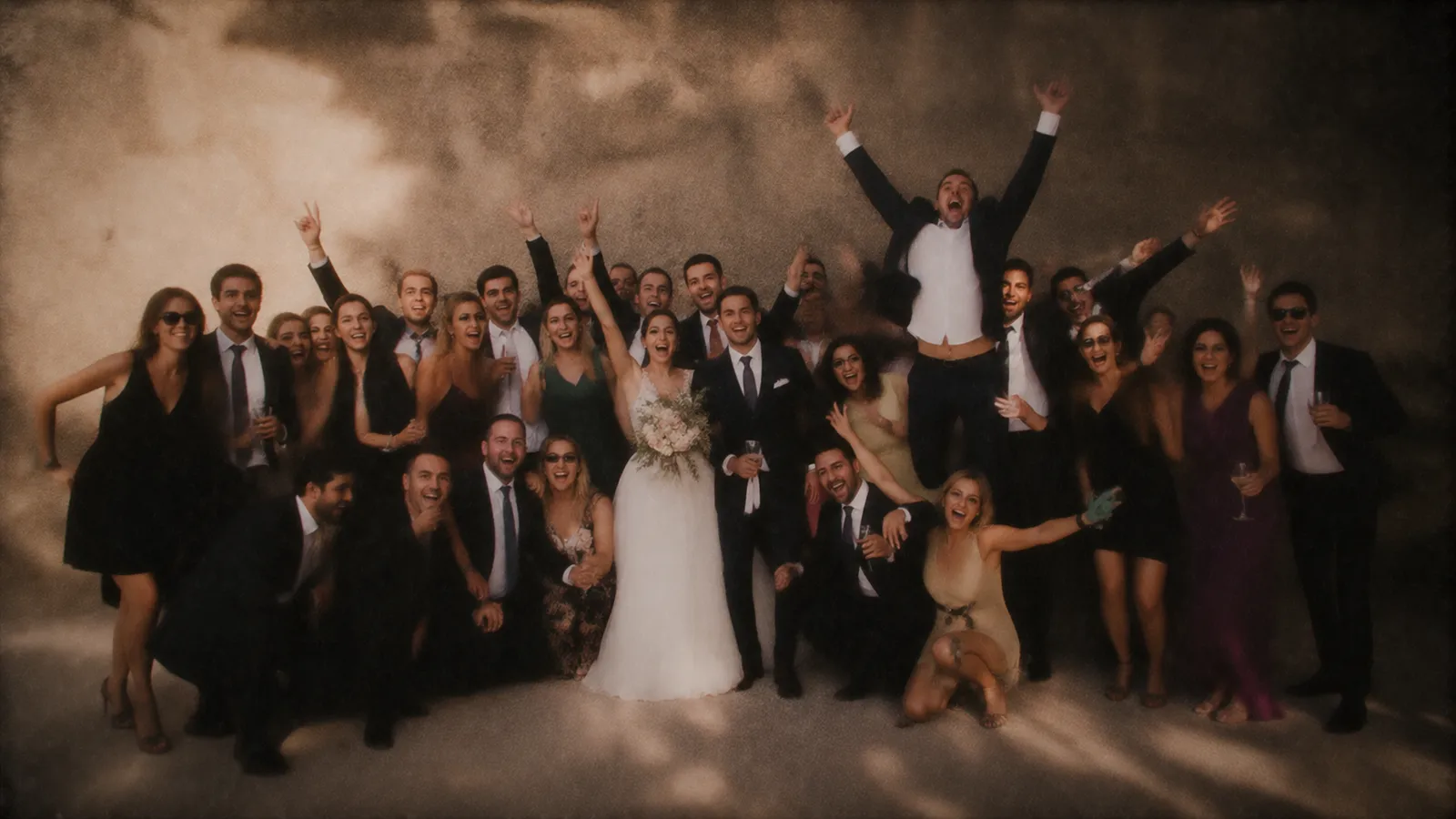
A christening is often the one day when great-grandparents, distant cousins and the godparents all gather around the same child. And yet by evening the parents have hardly any photos: they spent the day holding the baby, changing the baby and greeting everyone. The pictures exist, but they are scattered across the guests’ phones.
Time to Flash brings those photos together in one album. A poster with a QR code on the lunch table, one scan, and the camera opens in the browser, with no app and no account. Every guest gets a few shots, nobody sees anything at the time, and all the photos are revealed together at the time you choose. Religious or not, it works the same way.
Create my album (free)Free for up to 5 guests
- One scan, easy for grandparents
- Free for up to 5 guests
- A private album for your child

Why a shared disposable camera suits a christening
A family day where the parents’ hands are full and every generation sees it differently.
👶
The parents finally get the photos
With a baby in your arms, you do not take pictures. With one shared album, the parents get everything their guests saw: the smiles, the naps, the baby passed from arm to arm.
👵
Easy for every generation
No app to install, no password. You scan, type your first name and press a button. Grandparents pick it up quickly, and the younger ones are happy to help.
📖
A keepsake for later
Your child will not remember their christening. The album will stay: downloaded, printed or made into a photo book, it will one day show them who was there.
How it works
Three steps, nothing to install
01
Put the poster where you eat
Create the event in two minutes and print the poster with its QR code. Put it on the lunch tables or by the drinks, rather than in the church or ceremony room: photos are for the celebration afterwards.
02
A few shots per guest
You choose how many photos each person gets, from 3 to 15. Photos go straight to the album and cannot be viewed again, just like a real disposable. Everyone picks their moments with care.
03
The reveal that evening or the next day
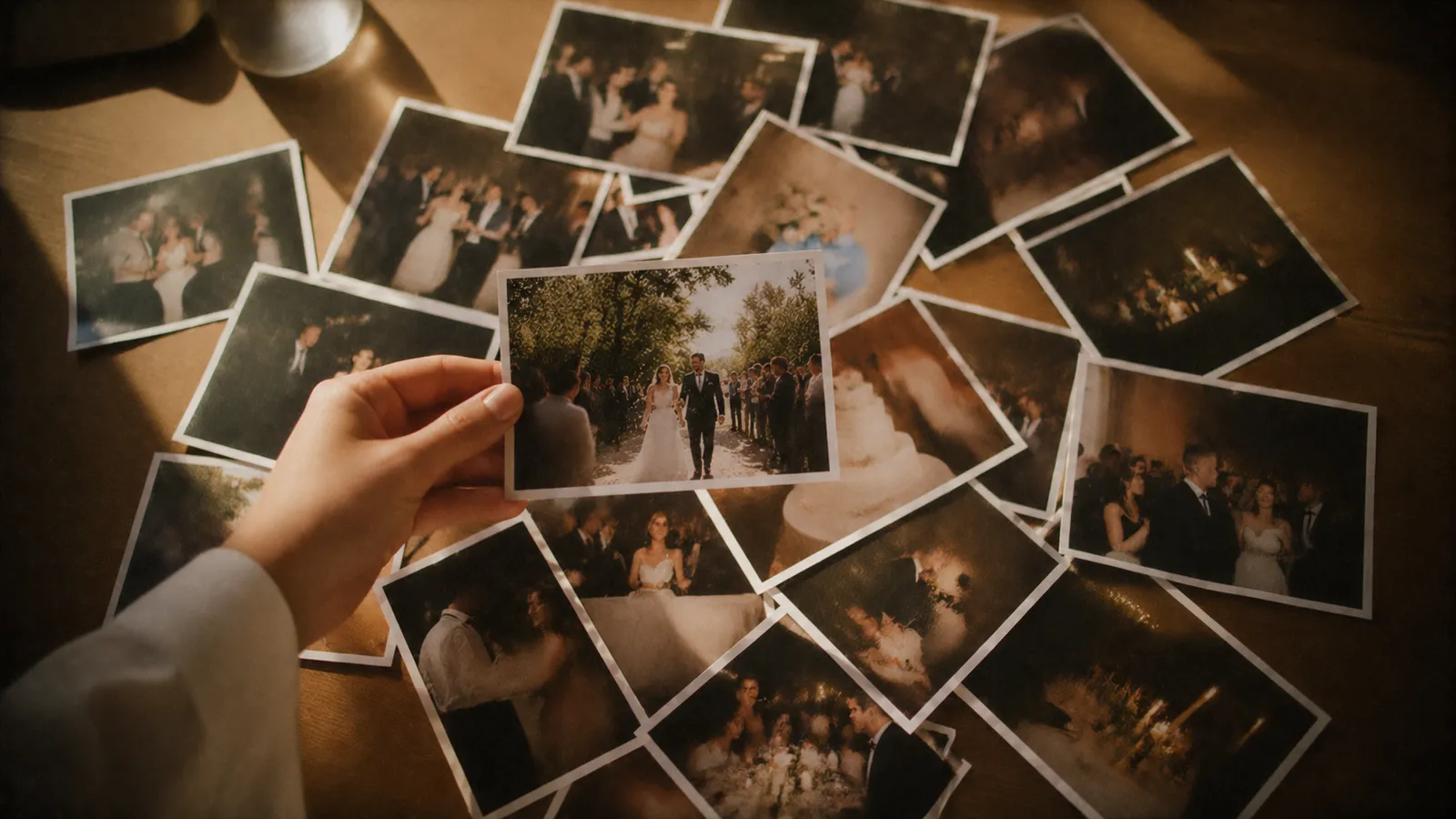
Schedule the reveal for that evening, once everyone is home, or the next morning. Guests get a link and discover the album at the same moment you do.
What you'll discover the next day
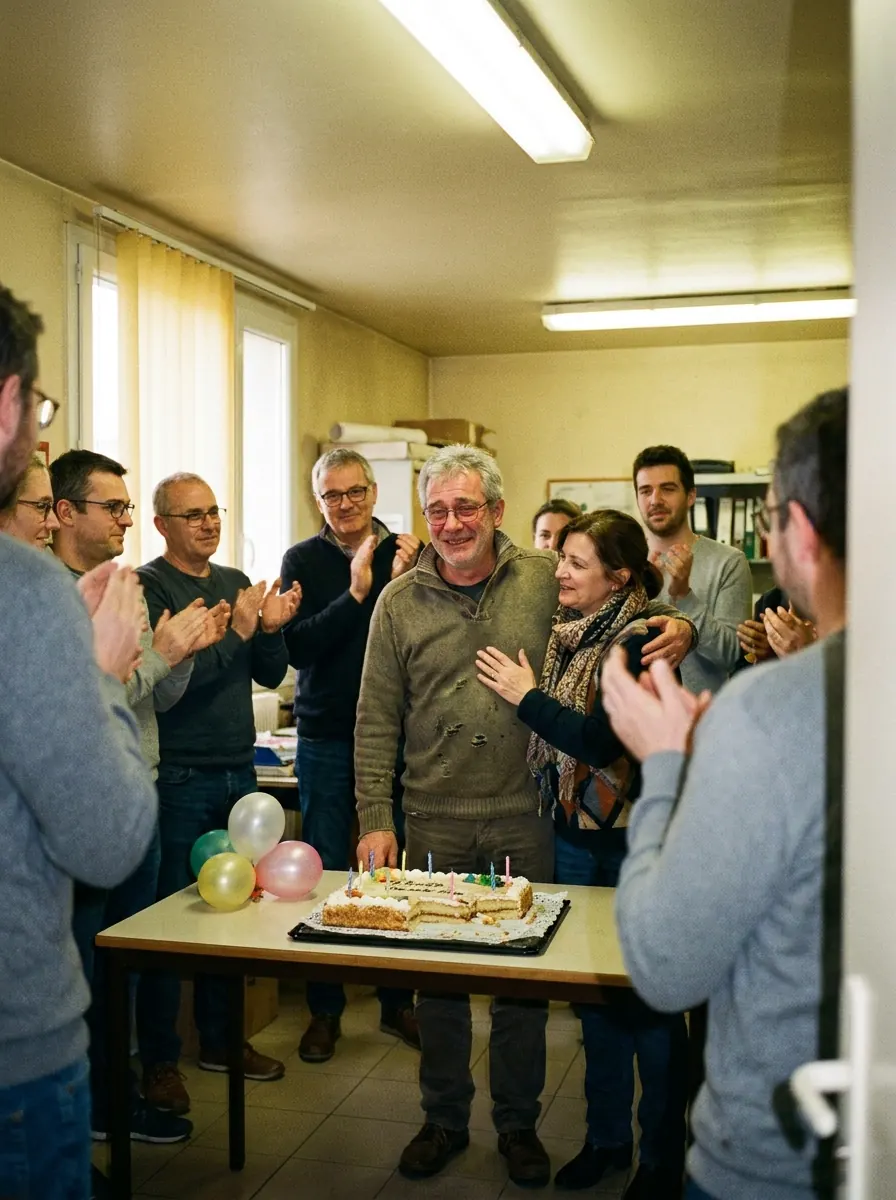
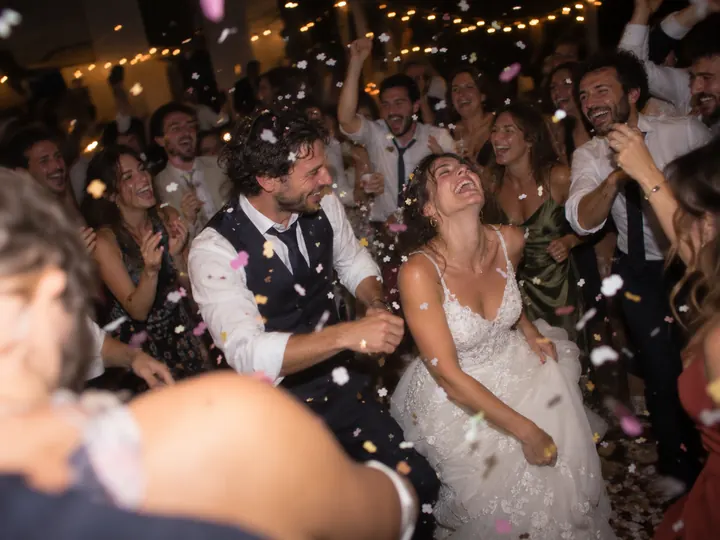
Photos taken by your guests, in the moment, that nobody had seen before the reveal.
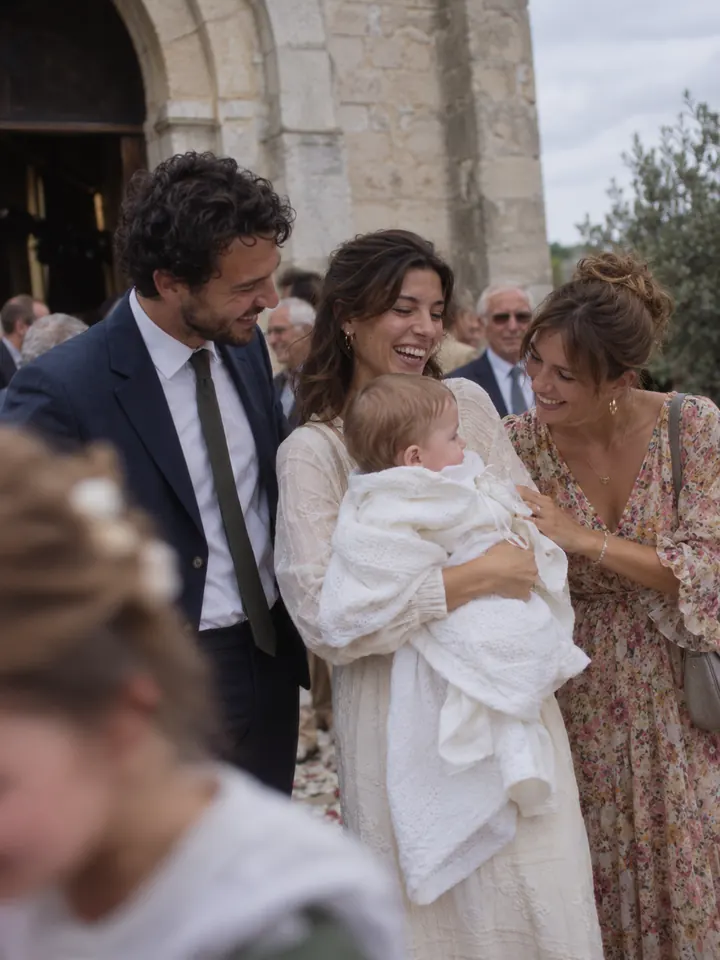
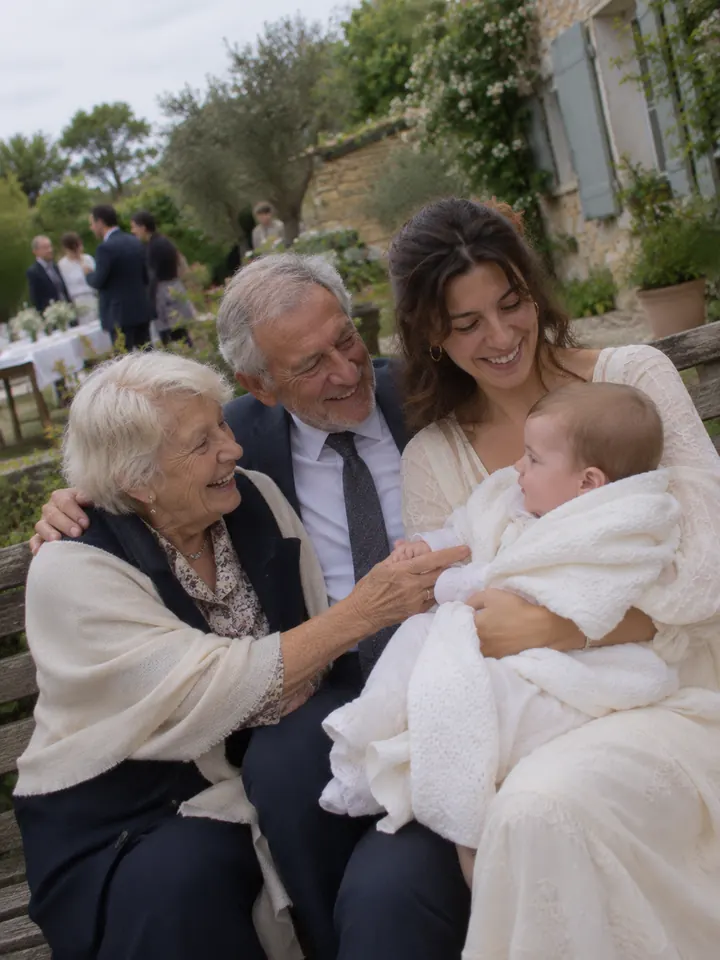


Christening photo ideas for your guests
Simple ideas that need little preparation and turn the album into a real family keepsake.
The godparents’ portrait
It is the photo everyone expects, and often the one that goes missing. Give the job to one guest at the start of the meal: godmother, godfather and child, facing the camera, then a more relaxed one. With several phones on it, you are bound to get a good shot.
Four generations
When great-grandmother, grandmother, parent and child are together, it is a photo you cannot take again. Plan a quiet moment, a chair for the eldest, and let several guests take it from different angles.
Every guest with the baby
Announce the rule at dessert: everyone saves one shot for a photo holding the baby or with the baby on their lap. At the reveal, you have a portrait of your child with every person who came. Build in breaks: a tired baby comes first.
A photo guest book
Instead of a guest book with a hurried line in it, print the photos after the reveal and ask family to write a note on the back next time they visit. Prints can be ordered straight from the album, and the guest book grows out of the day’s pictures.
A message for their 18th
Leave a small card at each place: “A note for your 18th birthday”. Each guest writes it, then photographs it with their camera, under their own name. The cards go into a box your child will open much later, and the album keeps a copy.
The children’s table
Cousins and family friends’ children often have their own table. Give them a phone or two with a few shots: they capture what adults miss, from their own height. These are often the funniest pictures in the album.
A bubble send-off
As you leave the ceremony or when the cake comes out, hand round small bottles of bubbles. It looks lovely, it is safe for the baby and kind to the venue, and it is a perfect moment to photograph from every side at once.
The disposable look with the date
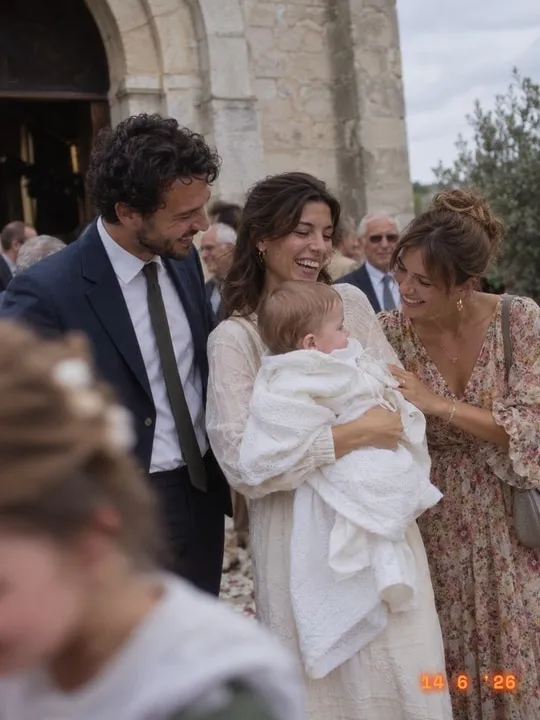
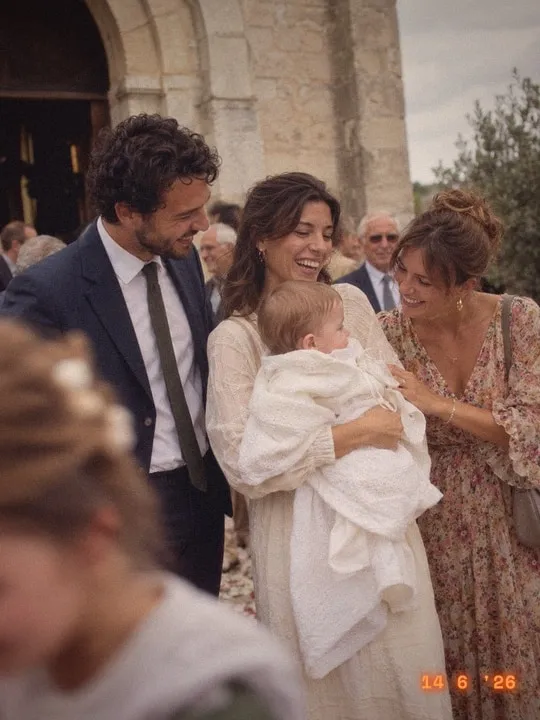
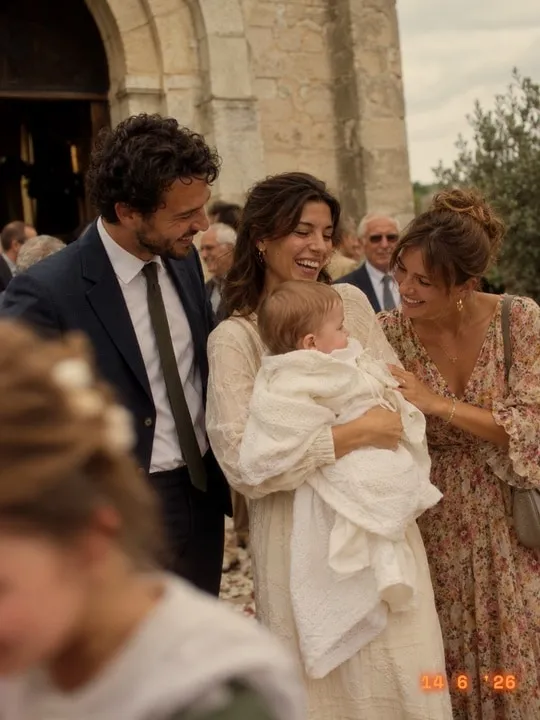
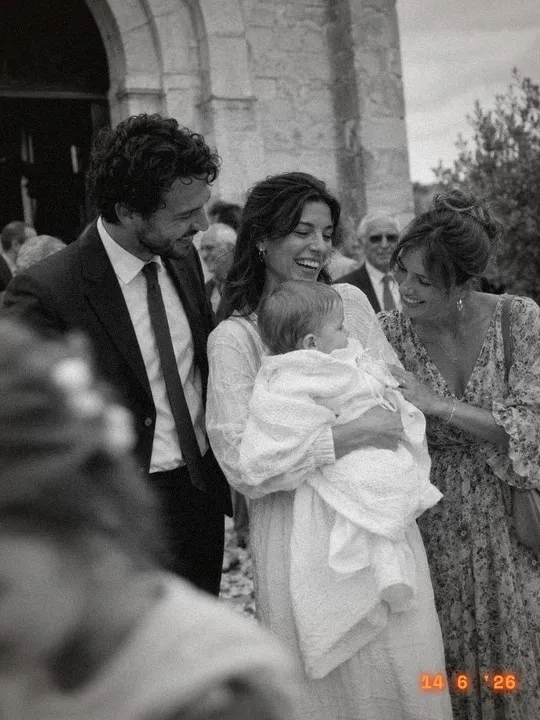
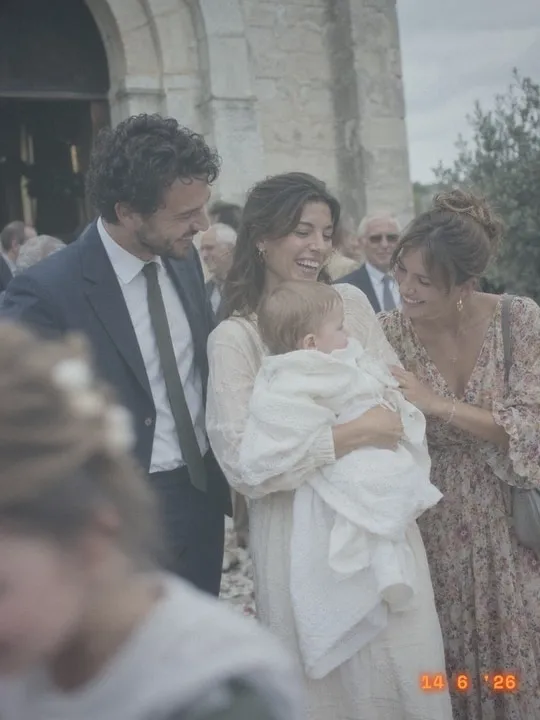
In the album, try the “Disposable” film: warm colours, grain and the date printed in the corner. For a christening, that date on the photo really means something: it is the one your child will find in their albums, and it stays in the downloaded photos.
The film
Pick your film style
Five film looks, from the party Kodak to a hard black and white. Try one, and change your mind whenever you like.
Our tips for a great christening album
Respect the ceremony. In a church or a civil naming ceremony, it is a moment of reflection, and the person leading it may ask for no photos. Simply let guests know the camera is for afterwards, and put the poster only where you eat. Guests then arrive with all their shots ready for the celebration.
How many shots, and when to reveal? For a christening, 5 to 8 shots each is plenty: the day is calmer than an evening party, and every photo counts for more. After a lunch, reveal the same evening around 8pm; if the meal runs into the evening, the next morning. If a grandparent uses everything too fast, you can top up their film.
Which plan to choose? A christening usually brings together 20 to 60 people. Up to 30 guests, the €4.99 plan is enough; up to 50, it is €14.99; above that, the 100 plan costs €29.99. It is a one-off payment, with no subscription. You can also try it free with 5 people, no card needed.
One price, paid once
Based on the number of guests. No subscription, nothing to cancel.
Want to try it first? Up to 5 guests, it is free.
Frequently asked questions
Will the grandparents manage?
Yes. They just scan the QR code with their phone’s camera, type their first name and press a button. No app to install, no account to create. If someone gets stuck on the scan, a grandchild helps once, and the rest is easy.
Does it work for a naming ceremony?
Absolutely. The camera has nothing to do with the ceremony itself: it is used during the celebration afterwards, whether that follows a christening, a civil naming ceremony or a simple welcome party for the baby.
How much does it cost for a christening?
It is free for up to 5 people. After that it is a one-off payment based on the number of guests: €4.99 for 30, €14.99 for 50, €29.99 for 100. No subscription, and downloading every photo is included.
Do our child’s photos stay private?
Yes. The album is never public: only people with the link can see it. It is hosted in Europe and deleted after 6 months, and you are warned beforehand, so remember to download the photos before then. Before the reveal, you can also hide any photo you would rather not share.
Can we make a photo book or prints afterwards?
Yes. You can download every photo to make a photo book, or order prints straight from the album. It makes a lovely present for the godparents or grandparents.
From the blog
For another occasion





🇪🇺 Hosted in Europe🔒 Private album, never public🗓️ Deleted after 6 months💳 Secure payment by Stripe
Keep the whole day for your child
Set up your christening camera in two minutes. Free for up to 5 guests.
Create my album (free)