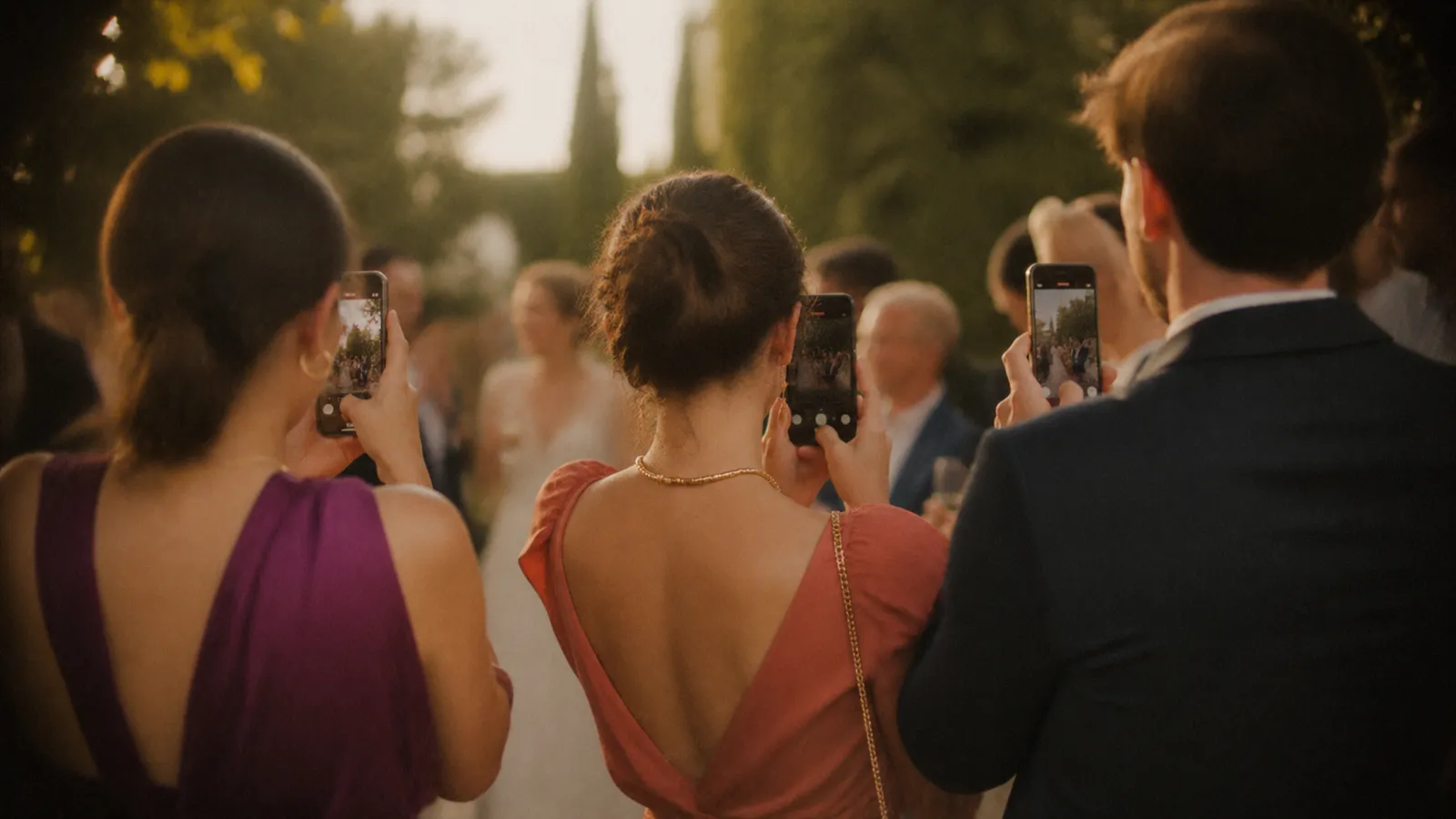
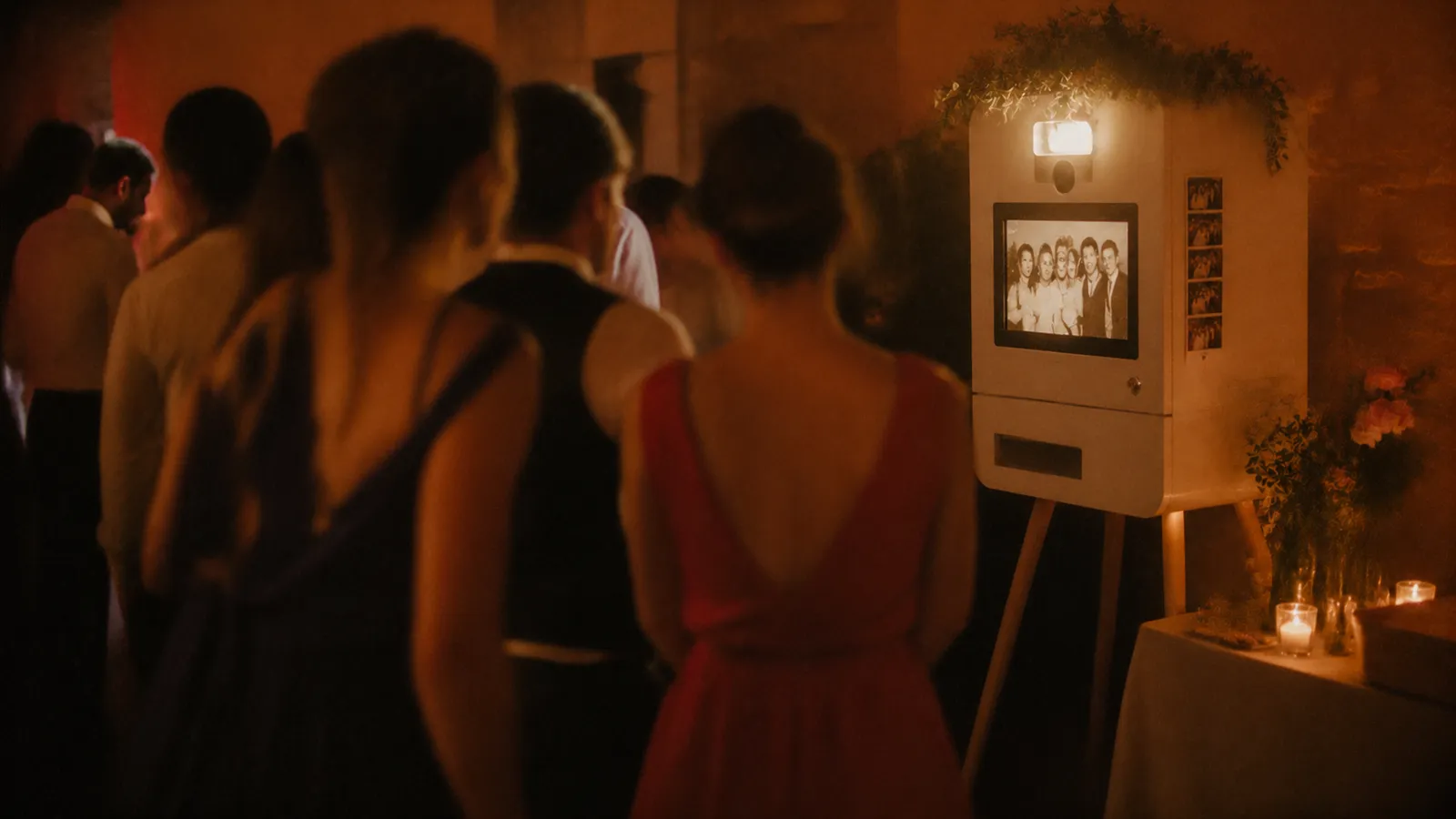
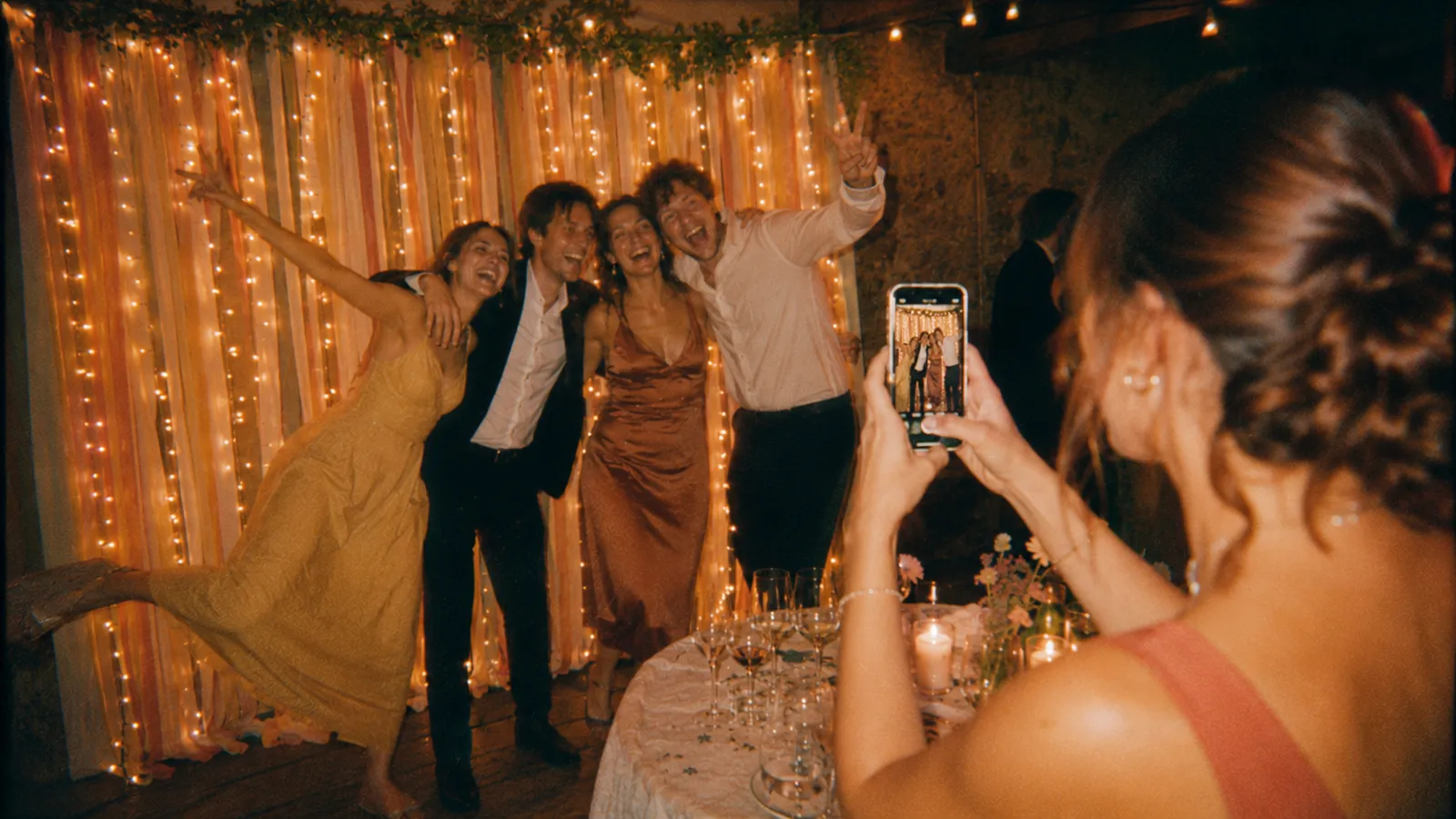
Your event is set up: what now?
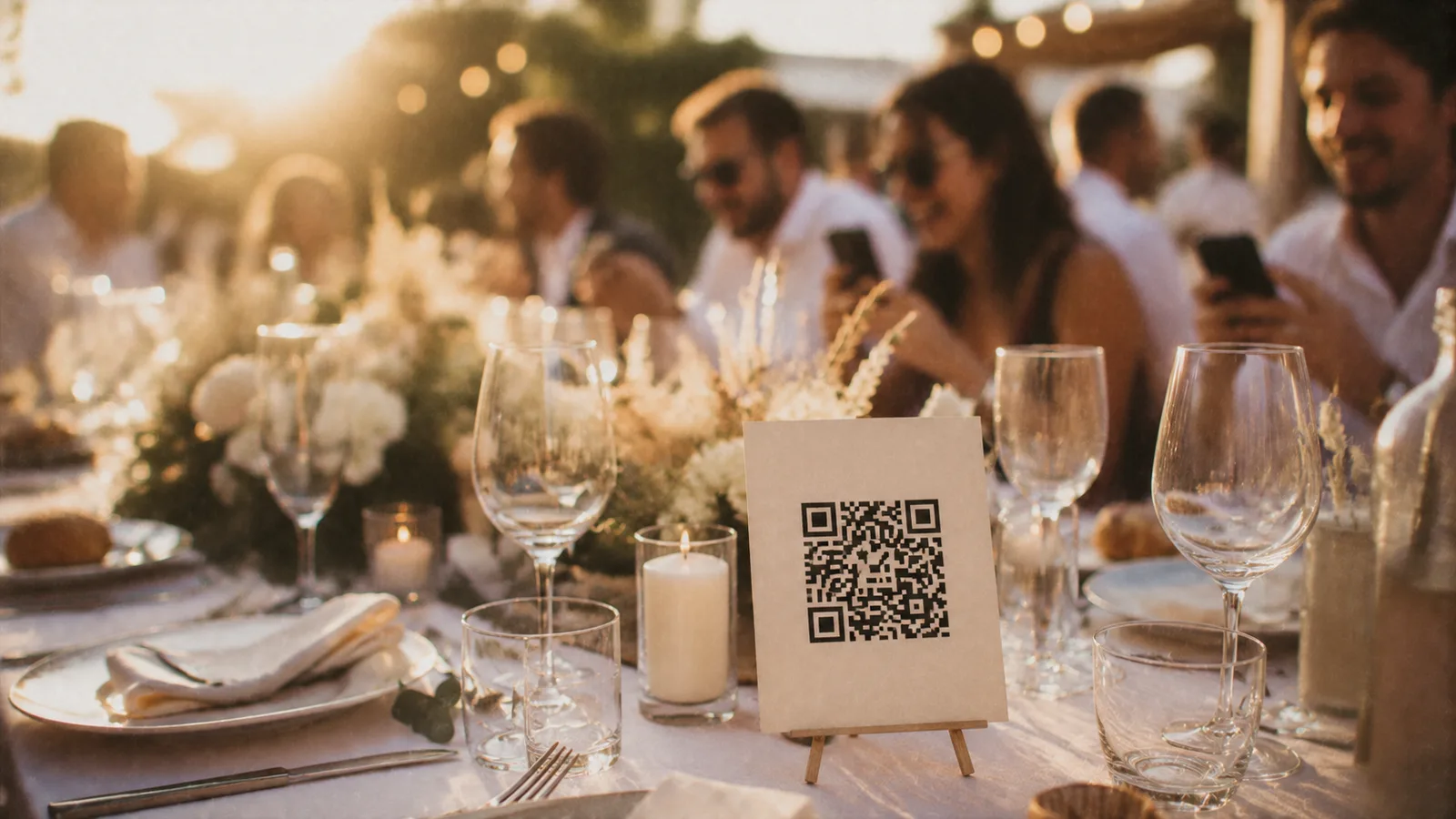
Where to put the QR code, what to tell your guests, and what will happen hour by hour until the reveal.
You have just created your event. You have a QR code, a reveal date, and probably one question: in practice, what happens now? Here is the whole timeline, in order.
Before the day: print and place
From your dashboard, you have four formats ready to print. The QR code on its own if you want to add it to your invitations or your decorations, the A4 poster for the entrance and the bar, the table cards to stand on the tables, and the small cards to scatter all around.
The idea: the more places people see it, the more scans you get. Three spots work especially well:
- On the tables. People scan as they sit down, before the starters, when they have nothing else to do.
- In the toilets. We’re not joking: everyone goes there, alone, phone in hand. It gets the best scan rate of the night.
- At the bar. The wait for a drink is perfect.
You don’t need to send anything to your guests before the party. The QR code is enough, and there is no app to install: the camera opens in their browser.
On the day: the thirty seconds that change everything
Have someone say a few words on the microphone, the DJ or your best man or maid of honour. It makes the difference between ten scans and fifty. Thirty seconds is enough:
“Tonight, you are the photographers. Scan the QR code on your table: you each have 8 photos, not one more. So aim well. We’ll discover them all together tomorrow morning.”
Three things not to forget in this message: the number of photos (that is what creates the game), the time of the reveal (that is what creates the anticipation), and “no app to install” (that is what removes the last hesitation).
The trick for those who can’t get it to work
There will always be someone whose camera won’t scan, or whose phone is too old. The solution: have them scan it from someone else’s phone, then send them the link by message. The link works exactly like the QR code. Nobody is left out.
During the party: what everyone sees
This is the point that surprises people most, so let’s be clear.
Your guests only see their own photos and their counter. They don’t see anyone else’s. Everyone has their own roll, and nobody knows what the others have captured.
You, from your dashboard, can see who has scanned, how many photos each person has taken, and the latest shots to arrive. It comes in handy during the evening: if nobody has scanned after an hour, it is time to do another round of the tables.
A guest can delete a bad photo: the slot is freed up and they can take another one. But they will never go over the limit you set.
Before the reveal: your half hour of sorting
Between the end of the party and the reveal date, you are the only one who can see all the photos. It is your window to look through the album calmly and hide anything awkward: the photo taken at 3 am that nobody remembers taking, the one where someone is clearly uncomfortable, the exact duplicate.
Hiding a photo is discreet: nobody is notified, and the person who took it won’t know it was removed. You can also invite co-hosts (the couple, a best man or maid of honour) to do this sorting together.
A tip: resist the urge to polish everything. Motion blur, wonky framing, closed eyes: that is exactly what gives a shared album its soul. Remove what bothers someone, not what isn’t pretty.
The reveal: the second big moment
At the time you chose, the album opens all at once, for everyone. Your guests get a notification.
But a message from you at the same moment makes it a much bigger deal. Write it in advance; on the day, you’ll just have to send it to the group:
“That’s it, the film has been developed 🎞️ 142 photos, taken by 47 of you. Here is what you saw of our party: [link]. We hadn’t seen any of this.”
Give a number. “142 photos by 47 people” is far more powerful than “the photos are up”: the number tells the story of everyone taking part, and that is what makes people want to click straight away.
Afterwards: download, and don’t forget
Only one thing really matters: downloading the whole album, in one click from your dashboard. The photos stay online for six months after the reveal, then are deleted automatically; you get several email reminders beforehand.
Keep this download in the same place as the rest of your photos, and send the gallery link to those who couldn’t come: it stays open to everyone who has it.
In short
- Before: print, put the QR code in several places, prepare the microphone announcement.
- During: have it announced on the microphone, keep an eye on the scans from your dashboard.
- After the party: look through the album on your own, hide anything awkward.
- At the reveal: send your message with the number.
- Within six months: download everything and keep it safe.
If you want to go further (how many shots to give depending on the type of party, what reveal time to choose, how to win over shy guests), everything is explained in the host’s guide.
And keep the 9 most common problems close at hand: camera blocked, in-app browser, slow network. It is the page to forward to a guest who gets stuck on the day.