No signal at the venue: what can you do?
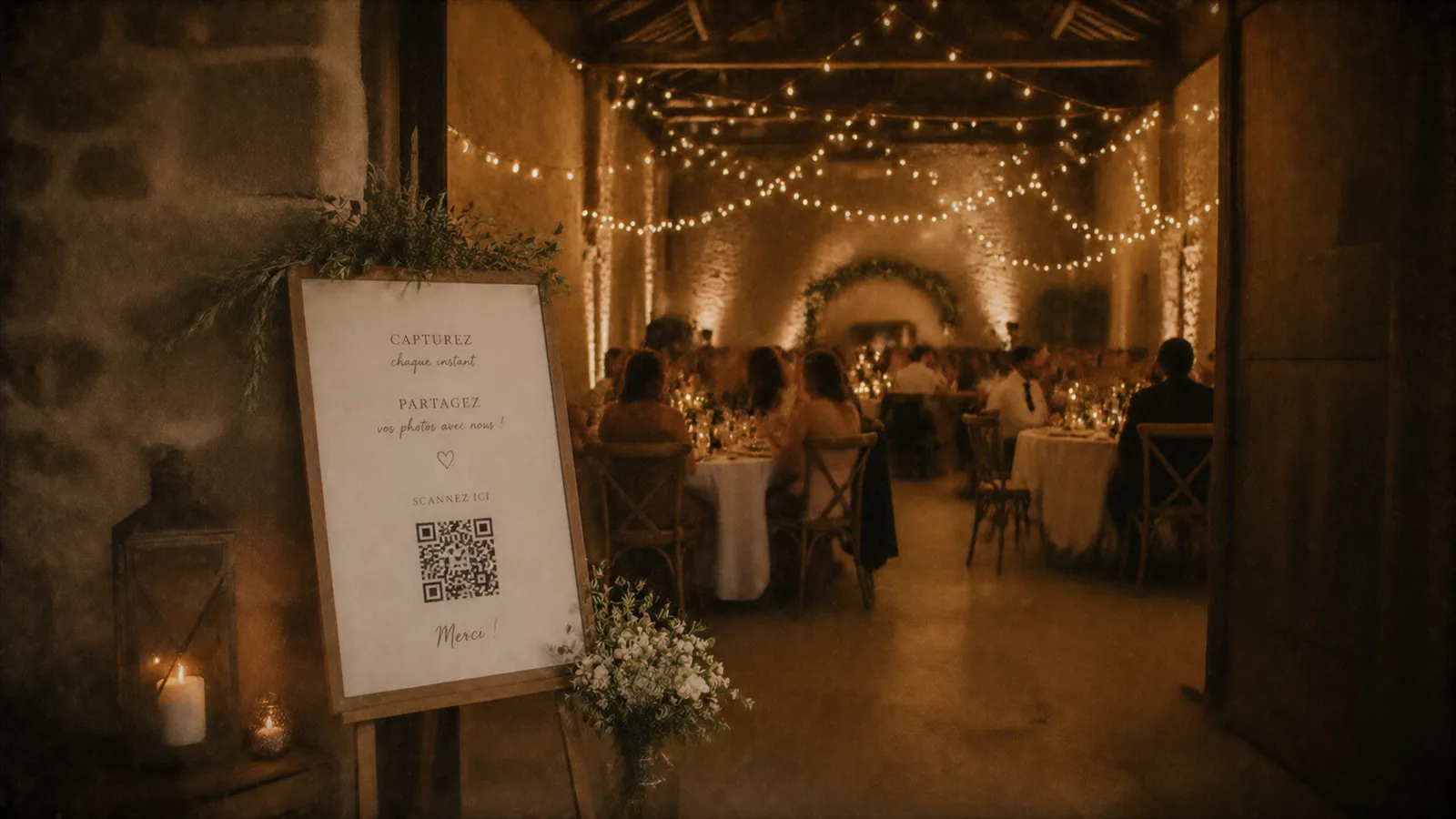
Stone château, country barn, vaulted cellar: the steps to make it work anyway.
It is the number one question we get: “what if my guests have no signal at the venue?”. It is a fair question: the most beautiful wedding venues often have the worst coverage. Here is how to solve the problem before it becomes one.
First, measure instead of guessing
During your visit or scouting trip, do a very simple test: take out your phone, turn off the wifi, and check how many bars you have inside the room, not in the car park. Load a web page. Do it with two phones on different networks if you can: coverage varies hugely from one to the other.
Nine times out of ten, it works. Venues with truly no signal are rarer than people think: mostly vaulted cellars, barns with very thick walls, and a few valleys.
Ask for the wifi, and the password
It is the simplest solution, and almost every venue has one. Two things to check: does the wifi cover the room and not just the reception area, and can it handle 80 simultaneous connections?
If so, print the network name and password on the same card as your QR code: menus, signs, table cards. A guest who has to ask a waiter for the wifi password gives up.
Solutions if it really doesn’t work
Connection sharing. If only one area of the room gets signal, make it the “photo corner” with a sign. It is often near a window or at the entrance.
A wifi extender. The venue sometimes has one, and if not, a €30 box placed in the right spot solves many cases.
A mobile hotspot (4G router). You can rent one by the day. Keep this for truly remote venues.
The habit that makes everything easier
Put your QR code in places where there is signal, even if the room itself has poor coverage: the entrance, the cloakroom, the bar, outside. Your guests scan and open the page when they arrive, while they have signal, rather than at the back of the cellar at midnight. The seven best spots are here: where to put the QR code.
Choose something lightweight
This is where the choice of solution really matters. An app to download means over 100 MB to load on an overloaded network: in other words, it won’t happen. A simple web page that opens in the browser weighs a few hundred kilobytes, and gets through where an app has no chance.
“The château had almost no signal. We put the QR code at the entrance and the wifi password on the menus: everyone took part.” Tom & Inès · 2026
The checklist, two weeks before
1. Test the signal inside the room, not outside.
2. Get the wifi network name and password.
3. Print them next to the QR code.
4. Do a full test on site, with your own phone.
That is also why Time to Flash is not an app: it is a lightweight web page that opens in a few seconds, even on a sluggish network.