Wedding venue wifi: a practical guide for venue owners
Broadband, 4G with an antenna, mesh, event wifi rental, Starlink: which option suits your wedding venue, what it costs, and how to explain it to couples.
Are you a wedding professional?
Get listed and receive a free code to introduce Time to Flash to your couples.“Is there wifi in the room?” The question now comes up at almost every viewing. The most beautiful wedding venues (thick-walled châteaux, remote barns, vaulted cellars, estates at the end of a lane) are often the worst covered, and couples know it. Offering wedding venue wifi that actually works, or at least being clear about the situation, has become a selling point in its own right.
This guide is for owners and managers: why couples ask for it, what options exist, what they cost, how to set them up, and how to talk about it honestly.
Why couples ask for wifi
It is not a whim. On a wedding day, a lot depends on the internet:
- Suppliers. The DJ pulling from online playlists, the photographer sending a few previews that evening, the videographer backing up, the caterer or cocktail bar taking card payments on a connected terminal.
- Live streaming. Some couples stream the ceremony for grandparents or relatives abroad. It is the most demanding use: it needs stable upload speed for the whole duration.
- Guests. Sending a photo, finding the hotel address, booking a taxi at the end of the night. Guests from abroad do not always have a mobile plan that works locally.
- Photo activities. Shared albums, QR-code disposable cameras, online guest books: these need a connection when the guest sends a photo or message.
- Coordination. The planner, the wedding party and your team message each other all day.
First, measure the real state of your network
Before investing, take precise stock, space by space:
- Test mobile coverage for each network operator in each space: room, terrace, grounds, accommodation, cellar. Ask friends or regular suppliers on different networks to help: coverage varies enormously from one operator to another. Official coverage maps (in France, the Arcep “Mon réseau mobile” map) give a first idea, but nothing beats an on-site test inside the walls.
- Measure speed with a speed-test app, noting download speed (what you receive) and above all upload speed (what you send): that is what matters for posting photos or streaming a ceremony.
- Test in real conditions, during an event: a network that copes with five phones can collapse with a hundred and fifty people on the same mast.
Record everything in a table: that document will help you choose a solution, then inform couples.
The options, from simplest to most robust
1. Fixed broadband (fibre or copper) with well-placed access points
If a fixed line reaches the estate, it is the most stable foundation. With fibre, speed is more than enough for a wedding; with an old copper line, it may be enough for suppliers but not for a hundred and fifty guests.
The weak point is rarely the line, it is distribution: a router in the office will not cover a reception room 50 metres away behind stone walls. The fix: professional wifi access points, cabled back to the router and installed in each space (room, terrace, accommodation).
Indicative cost: a subscription of a few tens of euros a month; professional access points around €100 to €300 each, plus cabling and installation if you hire a professional.
2. A 4G or 5G router with an outdoor antenna
Without a usable fixed line, a 4G or 5G router does the job, provided you choose the operator with the best signal at your venue. If the signal is weak indoors, an outdoor antenna on the roof or a pole, aimed at the nearest cell tower, often changes everything.
Indicative cost: a subscription of a few tens of euros a month; an outdoor antenna from a few tens to a few hundred euros, plus installation. Check the plan’s conditions: some have usage limits or lower priority when the network is congested.
3. Extenders and mesh wifi
If your connection is good but the wifi does not reach the room, extenders or a mesh system (several units relaying each other) extend coverage without running cables. It is the quickest option to install.
Indicative cost: from a few tens of euros for an extender to a few hundred for a mesh kit.
Limit: each wireless hop loses speed, and consumer models handle large numbers of simultaneous devices poorly. For a room that regularly hosts more than a hundred people, cabled access points remain the better choice.
4. Event wifi rental
Specialist companies rent turnkey solutions for an event: one or more bonded 4G or 5G connections (several subscriptions combined for more speed and reliability), sometimes a satellite link, and wifi access points installed for the day.
Indicative cost: several hundred euros per event, more with a technician on site.
Who it suits: venues that host few events, or weddings planning a live stream. It is also something you can recommend to couples rather than taking it on yourself.
5. Satellite internet (Starlink and others)
For truly remote venues, low-orbit satellite internet has become a credible option. The dish needs a wide view of clear sky, with no trees or buildings too close.
Indicative cost: in France in 2026, the standard Starlink kit costs around €350 outside promotions, and residential plans are in the region of €30 to €40 a month. These prices change often: check them, along with the plan suited to business use, which is usually more expensive.
Limit: a single dish is not designed for hundreds of simultaneous devices. You need a good wifi network behind it, ideally combined with a 4G or fixed connection.
Comparison
| Option | Best for | Indicative cost | Watch out for |
|---|---|---|---|
| Broadband with cabled access points | Fixed line available | Subscription + €100 to €300 per access point | Cabling needed |
| 4G/5G router with antenna | Good coverage from at least one operator | Subscription + antenna | Plan conditions |
| Extenders, mesh | Good connection, poor coverage | A few tens to hundreds of euros | Speed loss, limited capacity |
| Event wifi rental | Few events, live streams | Several hundred euros per event | Book ahead |
| Satellite | Remote venue, clear sky | Kit + monthly plan | Device density, business plan |
These figures are orders of magnitude: always ask a local installer for a quote after an on-site survey.
How many people should your wifi handle?
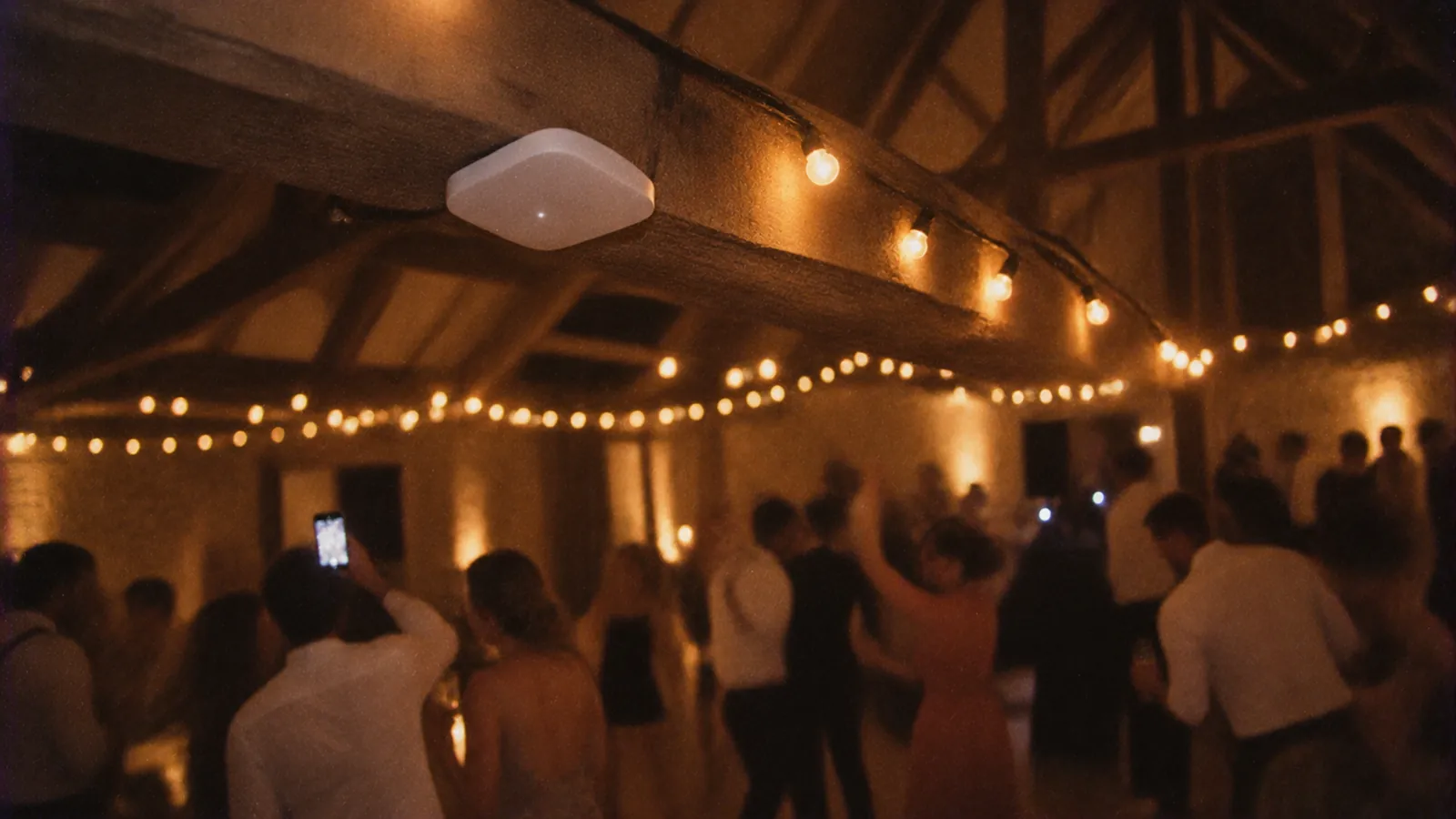
Not every guest connects at once, but peaks are sharp: arrivals, speeches, the cake. A rule often quoted by event wifi professionals: one access point for 30 to 50 connected people in a dense space. For a room of 150 guests, plan several access points, not one router.
Also keep a connection reserved for suppliers (and the live stream, if there is one), separate from the guest network: the day the guest network saturates, the music and payments keep working.
The right settings
- A separate guest network, isolated from your management network (till, computers, cameras). It is a security matter as much as a comfort one.
- A dedicated supplier network, with a different password.
- An obvious network name (the venue’s name followed by “Guests”) and a password that is easy to type on a phone: no mixing up “0” and “O”.
- A wifi QR code. Recent phones join a network by scanning a QR code containing the network name and password: nothing to type. Plenty of free generators make one.
- A per-device speed limit, if your equipment allows it, so a guest downloading an update does not slow everyone else down.
- Change the password regularly, for example every season.
A legal point to be aware of: in France, anyone offering internet access to the public, even for free, must keep certain connection data (article L34-1 of the Code des postes et des communications électroniques). Other countries have their own rules. Professional hotspot solutions with a welcome page handle this; ask your installer for advice.
Displaying the wifi on the day
Wifi nobody can find is useless. Display the network name, password and wifi QR code at the entrance, at the bar and on a few tables. If the couple is planning a photo activity with a QR code, suggest putting the wifi details on the same sign: guests connect and join in straight away.
Guests’ photo activities
More and more couples plan an activity where guests photograph the party with their phones. With Time to Flash, for example, each guest scans a QR code and gets a digital disposable camera, with no app to install.
These activities need internet at the moment of sending. In practice, with Time to Flash: it is a lightweight web page that opens in a few seconds even on a sluggish network; the photo is taken immediately and sent afterwards. If sending gets stuck, guests just need to stay on the page for a few seconds, or try again a little further away, near a window or outside.
Your role as a venue is simple: tell the couple where the signal is best, so they can put their poster there, and give them the wifi password to print next to it. We wrote a guide on this for couples that you can pass on: no signal at the venue, what to do?, along with where to put the QR code.
Tell couples clearly how things stand
The worst case is not a venue with no signal, it is a venue that lets people believe the wifi works everywhere. Write a short “signal and wifi” sheet to include in your brochure and hand out at viewings:
- Mobile coverage, operator by operator, and space by space (“Operators A and B: good in the room and grounds; C and D: weak in the cellar”).
- The wifi: which spaces it covers, how many devices it handles comfortably, whether there is a separate supplier network.
- What is and is not possible: does a live stream require a rented solution?
- Where the signal is best, for activity QR posters.
- A contact for suppliers with technical needs.
This transparency avoids disappointment on the day and the negative reviews that come with it. It also answers in advance one of the items on our list of questions to ask a wedding venue, which many couples read before their viewings.
The manager’s checklist
1. Test every operator in every space, during an event.
2. Choose the right option and get a quote from a local installer.
3. Create three networks: management, suppliers, guests.
4. Make a wifi QR code and display it at the entrance, the bar and on tables.
5. Write the “signal and wifi” sheet for your brochure.
6. Tell couples the best spots for their QR posters.
Offer Time to Flash to your couples
Reliable wifi also means you can offer your couples photo activities with no equipment at all. If you would like to include the Time to Flash digital disposable camera in your packages or recommend it to your couples, everything is explained on our page offer Time to Flash to your couples.
Frequently asked questions
Does a wedding venue need to offer wifi?
It is not mandatory, but it has become a common request: suppliers, card payments, live streams and guests’ photo activities all need it. If you do not offer it, say so clearly to couples and share the mobile coverage for each operator.
What can a venue do if there is no signal in the room?
First measure each operator’s coverage in each space. Depending on the result, a 4G or 5G router with an outdoor antenna, access points cabled to a fixed line, or a satellite connection can solve the problem. For a one-off event, event wifi rental is a turnkey option.
How much does wifi for a wedding venue cost?
It ranges from a few tens of euros a month for a router and an extender to several thousand euros for a professional cabled installation across several buildings. Event wifi rental usually costs several hundred euros per event. Ask a local installer for a quote after an on-site survey.
How many guests can venue wifi handle?
A consumer router on its own saturates quickly with many devices. Event wifi professionals often plan one access point for 30 to 50 connected people in a dense space. Also plan a separate network for suppliers.
Is Starlink suitable for a wedding venue?
For a remote venue with a clear view of the sky, it is a credible option. A single dish is not designed for hundreds of simultaneous devices, though: you need a good wifi network behind it, ideally combined with a 4G or fixed connection. Check the plan suited to business use.